
Engraving, gift messages, colour swatches, file uploads, date pickers, add-on pricing. Oxify Product Options adds unlimited custom options to any product, with a live preview of the personalisation and no code to write.
Merchants running Oxify apps


Shopify gives you three option types and a hundred variants. That is fine for a t-shirt in four sizes and three colours. It falls apart the moment a product needs an engraved name, an uploaded logo, a delivery date, or a gift message — none of which are variants at all, and all of which merchants end up faking with theme hacks.
Every workaround for missing options has the same shape: the information arrives after the order, and someone has to chase it.
Hard-coded option fields survive exactly until your next theme update, and then fail silently.
“What name did you want engraved?” is an email you should never have to send.
Gift wrap as a separate product is friction; as an add-on option it is a checkbox.
An option the shopper couldn’t preview is an option they will dispute.
Text boxes for engraving, dropdowns for finishes, checkboxes for extras, colour and image swatches, file upload for artwork, date picker for delivery. No variant ceiling, and nothing hard-coded into your theme.
Nothing in your theme: options are rendered by the app, so a theme update can’t break them.
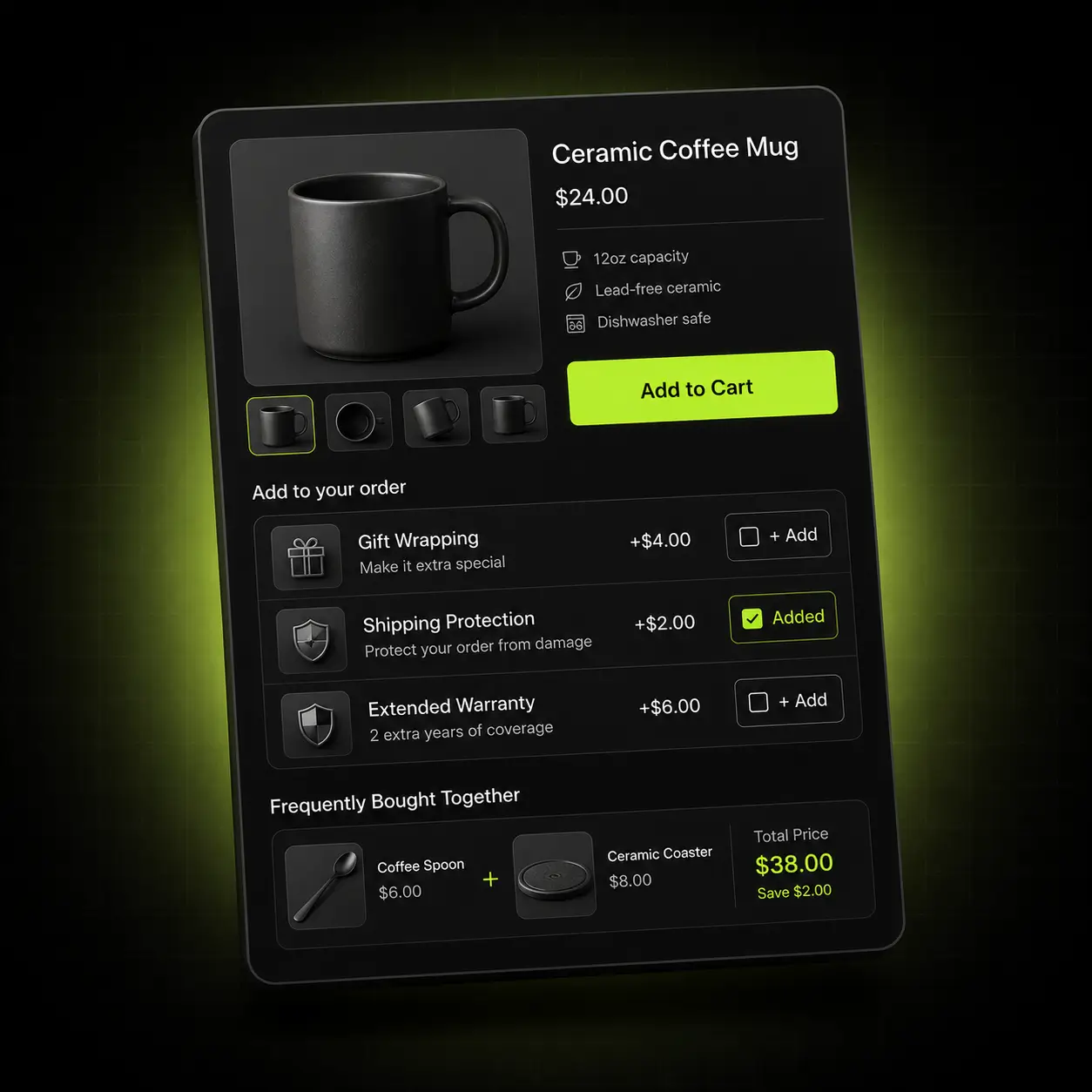
Gift wrap, engraving, rush handling, a premium finish. Attach a price to any option as a flat fee or a percentage of the product, and it flows through as a real line item rather than a note someone has to invoice for later.
Stop absorbing the cost: most stores give away gift wrap because charging for it was too awkward to set up.
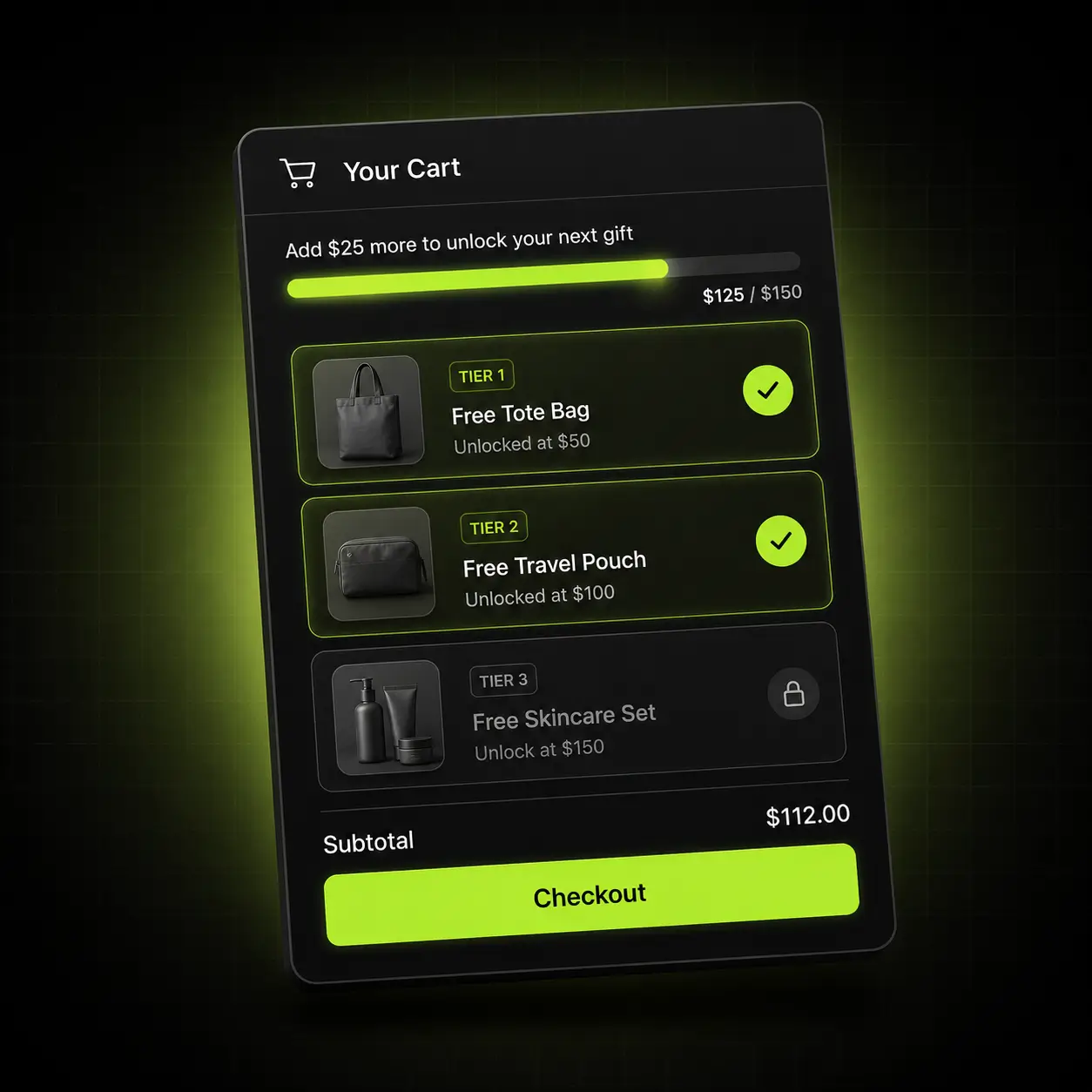
Options appear only when they are relevant — ask for the engraving text only after “add engraving” is ticked. The live personalizer renders the choice on the product image as they make it, which is what stops the dispute before it happens.
Fewer refunds: a shopper who saw the preview does not open a dispute about the engraving.
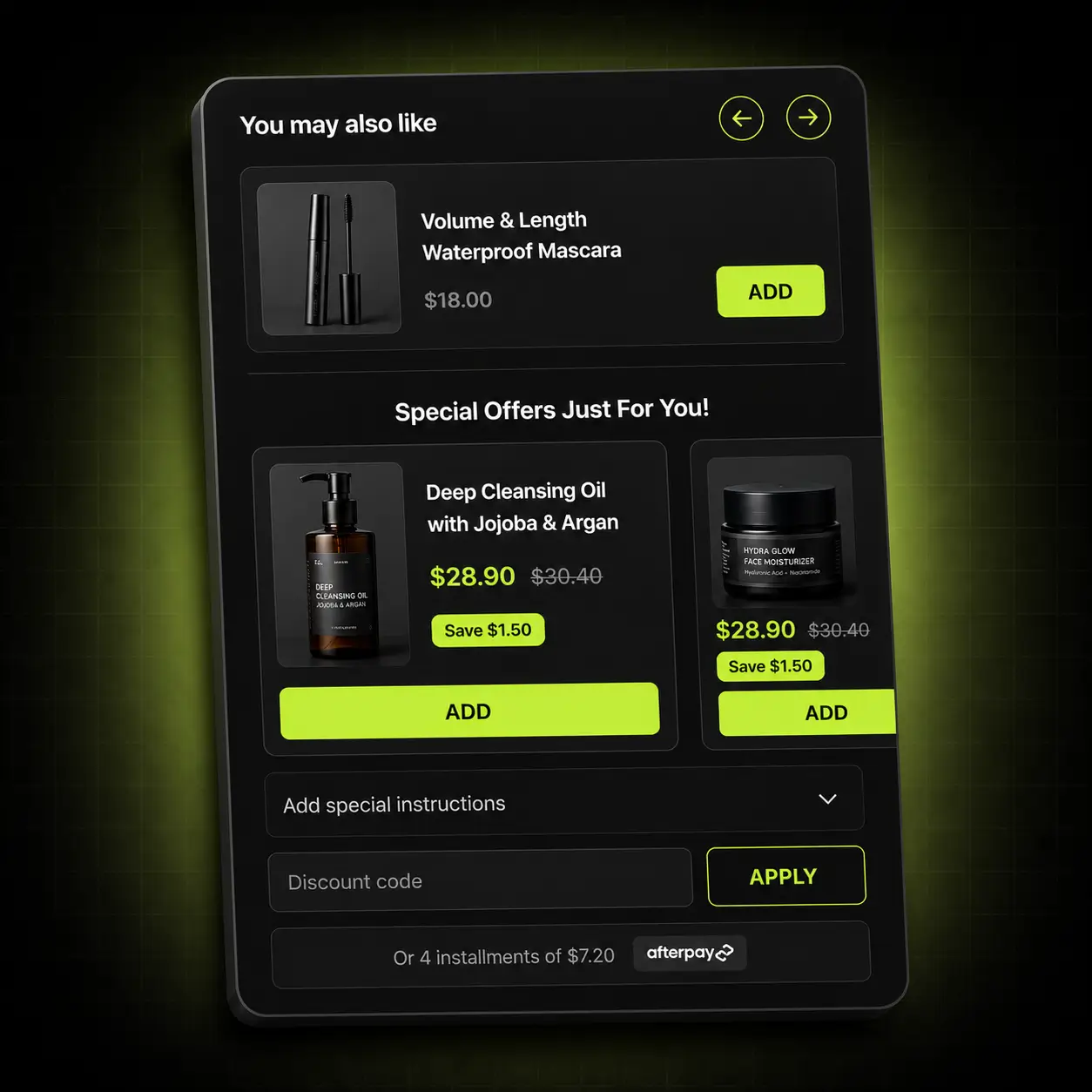
Building an option set once and applying it to a collection is the difference between an afternoon and a fortnight. Bulk assignment, reusable sets and multilingual labels all come free.
Where the time goes: most option apps are quick for one product and painful for four hundred.
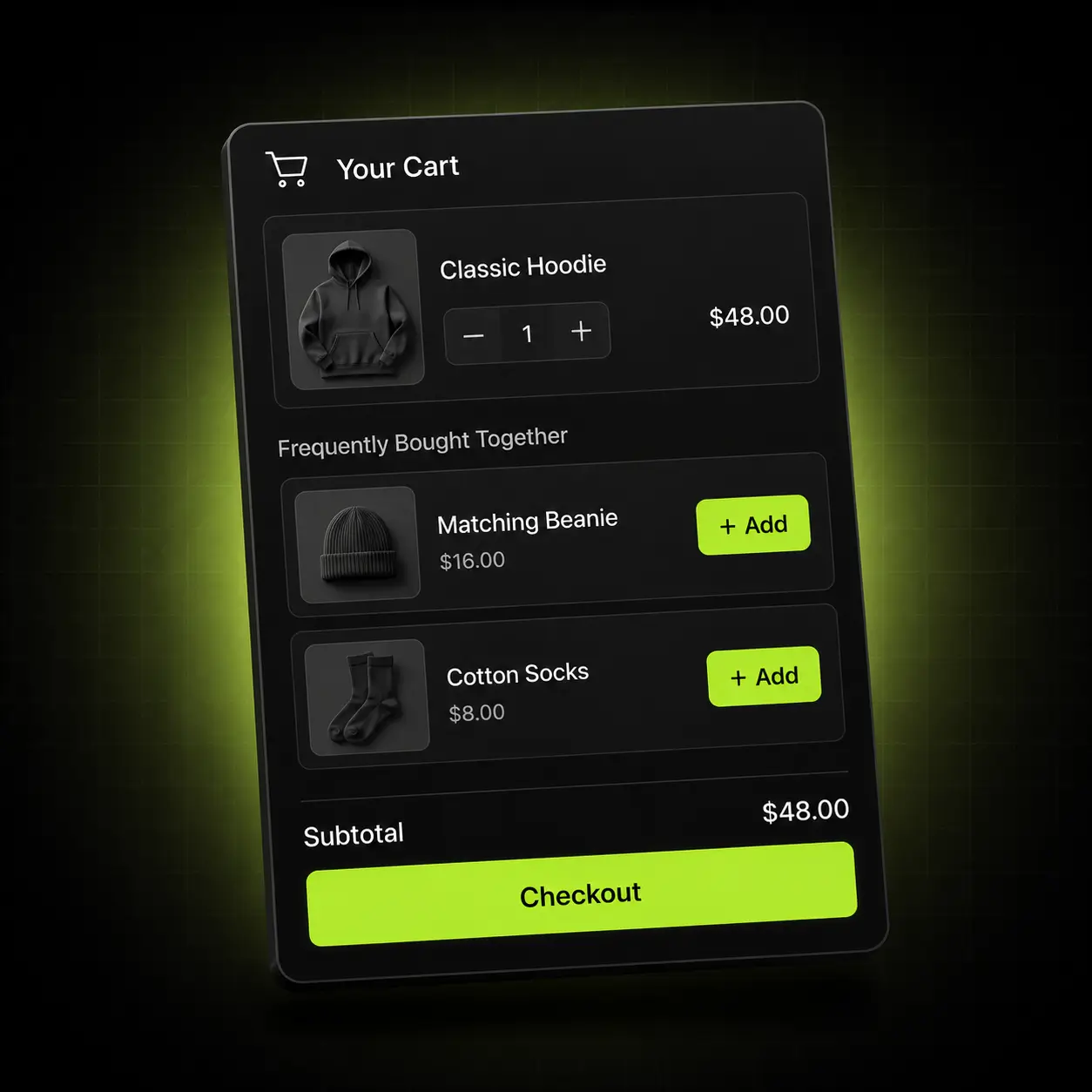
An option is only useful if it reaches your fulfilment team intact. These carry from the product page through to the order.
Every option type, with conditional logic and live preview.
Options shown as line-item properties, editable by the customer.
Add-on pricing carried through as real line items.
Choices visible on the order for your fulfilment team.

Personalisation means something different in every category. Here is where we’d point you first.
Engraving, embroidery, printing, monograms.
Start with: A text field with a live preview and a character limit, plus an add-on fee for the personalisation.
Products assembled from choices rather than picked from a shelf.
Start with: Conditional dropdowns and swatches, with pricing attached to the premium finishes.
High gifting intent and lots of small extras.
Start with: Gift wrap and a message field as paid add-ons, plus a delivery date picker.
Product option apps are where free tiers get stingiest — usually capped at a handful of option sets, with file upload and add-on pricing reserved for a paid plan.
| Capability | Typical product options app | Oxify |
|---|---|---|
| Unlimited options per product | Free tier caps option sets | Unlimited, free |
| Text & textarea fields | Usually included | Included, free |
| Colour & image swatches | Often paid | Included, free |
| File upload | Almost always paid | Included, free |
| Date & time picker | Often paid | Included, free |
| Add-on pricing | Almost always paid | Included, free |
| Conditional logic | Usually paid | Included, free |
| Live personalizer preview | Rare at any price | Included, free |
| Bulk assign to collections | Often paid | Included, free |
| Usage or product cap | Common on free tiers | None |
| Price | Free tier, then $10–$30/mo | Free |
Comparison reflects the common free-versus-paid split across popular product options apps on the Shopify App Store. Competitor features and pricing change — re-check before quoting this.
No developer, no theme edits, no variant maths.
Add the app from the Shopify App Store. It connects through an app embed block — no theme files touched.
Add the fields you need, set the types, attach pricing to anything you want to charge for.
Set conditional rules so fields appear only when relevant, and mark the required ones.
Apply the set to a product, a collection or the whole store, then publish.
File upload, add-on pricing and conditional logic are the three things almost every competitor charges for. All three are included here at no cost.
No trial to expire, no credit card, no usage cap and no “upgrade to unlock” on any feature listed here.
Install freeWhen you want to raise average order value rather than just fix one surface, our paid app covers the product page, the cart, the sticky cart and post-purchase from one install — from $9.99/month with a 30-day ROI guarantee.
See Cart Drawer & UpsellsA younger app than our others, and rated by merchants who use it daily on real catalogues.
11 reviews on the Shopify App Store
Options are rendered by the app, so a theme update cannot break them and uninstalling leaves nothing behind.
Reusable option sets and bulk assignment, because most stores have hundreds of products rather than five.
1,000+ stores run one or more Oxify apps, sharing the same support team.
Add-on options grow the basket on the product page. These free apps carry it further.
Also free. Quantity breaks and build-your-own-box, for catalogues where customers buy in sets.
Also free. A deadline for made-to-order cut-offs and seasonal personalisation.
Our paid app — free gift tiers and in-cart cross-sells on top of the basket your options just grew.
Free, every feature, about ten minutes to set up. No variant limit and no trial to expire.
Shopify allows three option types and 100 variants. That covers size and colour. It does not cover an engraved name, an uploaded logo, a delivery date or a gift message — none of which are variants, and all of which need a real input field.
It sidesteps it. Custom options are stored as line-item properties rather than variants, so they do not consume your variant allowance at all. You can have a hundred variants and unlimited options on the same product.
Yes, as a flat fee or a percentage of the product price. It carries through checkout as a proper line item, so it appears in your reporting and on the customer’s confirmation.
Yes — artwork, logos, photos. This is the feature most competitors reserve for a paid plan, and it is the one that removes the most support email.
Rules that show or hide a field based on another answer. Ask “add engraving?” first and only reveal the text box if they say yes, so the product page stays short for everyone who doesn’t want it.
A preview that renders the customer’s choices on the product image as they make them. It is the single most effective way to reduce disputes about custom orders.
As line-item properties on the order, visible to you and to your fulfilment team, and on the customer’s confirmation.
Yes, options are editable from the cart, which saves a support ticket every time someone mistypes a name.
Yes. Build the set once and assign it in bulk to products, collections or the whole store.
No. There is no code to paste and no Liquid to edit — the app installs as an app embed block and everything after that is a visual editor.
Yes. It runs on Online Store 2.0 themes including Dawn, Horizon, Impulse, Prestige, Motion and Warehouse, and on most older themes too.
No. It is a small CDN-delivered script that loads asynchronously and does not block rendering or your buy button.
Everything is removed cleanly. Because it installs as an app embed block rather than editing theme files, there is no orphaned Liquid left behind to clean up.
The app requests only the Shopify scopes it needs to function. We do not sell data, and everything is deleted on uninstall in line with Shopify’s data-retention requirements.
Free. Every feature described on this page is included at no cost, with no usage cap and no paid tier hiding behind it. We also build a paid cart-drawer app, and free apps are how most merchants find us — but you are never required to install it.