 Oxify
OxifyDoes a Cart Drawer App Slow Down Your Shopify Store?

Short answer: A cart drawer app can slow your Shopify store, but a good one does not have to. The slowdown comes from extra JavaScript on every page, two carts fighting each other, and a laggy tap on "Add to cart." Pick a Built for Shopify drawer, turn the theme drawer off, and test the tap, not just the load time.
We build Oxify Cart Drawer & Upsells (our app), so we have a stake in the answer. The rules below come from Shopify's and Google's own documentation.
This guide is for Shopify owners who want a slide cart, but do not want to tank speed. You will get a plain-English answer, Shopify's real performance rules (one is enforced, two size figures are only suggestions), and a 15-minute audit you can run today.
Key Takeaways
- A cart drawer app adds JavaScript and CSS. That extra code can slow pages if it is heavy or runs on every visit.
- The real pain is often INP (how fast the page reacts to a tap), not the first paint. Google wants INP at 200 ms or less.
- Shopify's one enforced storefront speed rule: to be listed in the App Store, an app must not lower a storefront's Lighthouse performance score by more than 10 points. Built for Shopify apps must meet the same limit.
- Two drawers at once (theme + app) is slower and more buggy than one solid app.
- Test on a phone. Shopify's own storefront test reads the Mobile score, and that is where lag shows first.
Key Facts (checked 11 October 2026)
- To be published in the App Store, an app must not reduce storefront Lighthouse performance scores by more than 10 points (Shopify's performance overview). The Built for Shopify requirements repeat it: an app "must not reduce the storefront Lighthouse performance score by more than ten points."
- Shopify's storefront performance test weights three pages: home 17%, product 40%, collection 43%. Its test guide starts from a clean install of a supported theme such as Horizon with no apps.
- Suggested, not enforced: Shopify's theme app extension docs list about 10 KB of compressed JavaScript and about 100 KB of compressed CSS for the files a block's schema references directly. That is the entry file, not the total an app loads.
- Google's Core Web Vitals thresholds (web.dev): INP ≤ 200 ms, LCP ≤ 2.5 s, CLS ≤ 0.1, measured at the 75th percentile of real users.
- Chrome usage data shows about 90% of time on a page is spent after it loads — which is why interaction speed matters more than first paint for a cart.
- Portent's 2022 update (just over 100 million page views across 20 sites): e-commerce conversion averaged 3.05% at a 1-second load and 0.67% at 4 seconds.
Does a Cart Drawer App Slow Down Your Store?
Yes, it can. No, it does not have to.
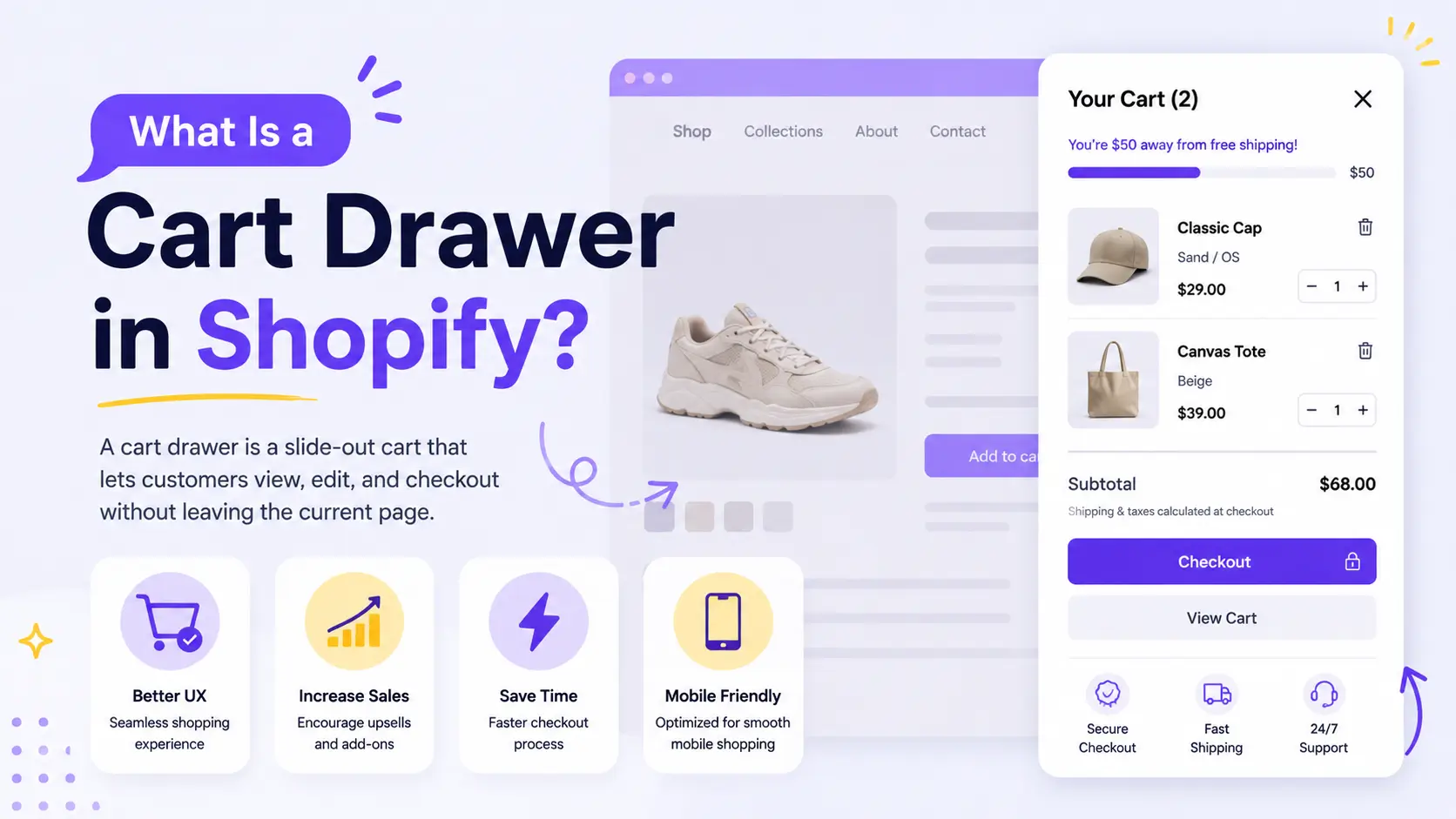
A cart drawer is a panel that slides in when someone adds a product. The app has to listen for that tap on every product page, collection page, and often the home page. So the script is there even when the drawer is closed.
That is the trade. You get a better cart. You pay a little code cost.
The size of that cost depends on how the app is built:
- Light app: small script, loads from Shopify's CDN, opens the drawer after the tap. Shoppers barely notice.
- Heavy app: a big bundle on every page, extra fonts, extra images, and a full re-draw every time the cart changes. Shoppers feel a freeze.
- Two carts: the theme drawer and the app drawer both run. This is the worst case we see in support tickets.
Why Speed Matters More Than the App Fee
A slow store does not just feel cheap. It costs orders.
Portent's 2022 update of its site-speed study (just over 100 million page views across 20 B2B and B2C sites) found average e-commerce conversion at:
| Load time | Conversion rate |
|---|---|
| 1 second | 3.05% |
| 2 seconds | 1.68% |
| 4 seconds | 0.67% |
The "Milliseconds Make Millions" study (Deloitte and 55 for Google, 2020; 37 European and American brand sites) tied a 0.1 second mobile speed gain across four speed metrics to an 8.4% rise in retail conversions.
Both are correlations across many sites, not tests of any cart app. They show why a laggy "Add to cart" tap is worth fixing. They do not tell you what a given app costs your store, so measure your own.
That tap is the whole point of a cart drawer. If the drawer is slow, the app is fighting itself.
The Metric Most Speed Tests Miss: INP
Store owners often run PageSpeed Insights, see a "green" load score, and call it done. Then shoppers still say the cart feels stuck.
That gap has a name: Interaction to Next Paint (INP).
INP measures the time from a click or tap until the next frame paints on screen. Google's INP guide says:
- Good: 200 milliseconds or less
- Needs work: 200 to 500 ms
- Poor: over 500 ms
INP became a Core Web Vital on 12 March 2024, replacing First Input Delay. It watches every tap, not just the first one. Chrome data shows people spend about 90% of their time on a page after it loads. So a drawer that opens late still hurts, even if the hero image was fast.
On a Shopify store, the taps that matter most are:
- Add to cart
- Open cart icon
- Change quantity in the drawer
- Tap checkout
A cart drawer that re-renders the whole panel on every quantity change can fail INP even if LCP (Largest Contentful Paint) looks fine. LCP should stay under 2.5 seconds. CLS (layout shift) should stay at 0.1 or less. Those are Google's three Core Web Vitals. For a cart app, INP is the one that bites.
How Shopify Judges Cart Drawer Apps
Shopify does not guess. It tests.
For apps that touch the storefront, Shopify measures Lighthouse performance before and after install, weighting home (17%), product (40%), and collection (43%). The one enforced rule is score-based: to be published in the App Store, an app must not reduce that storefront score by more than 10 points, and the Built for Shopify requirements repeat the same limit. Shopify's storefront test guide describes the method, starting from a clean install of a supported theme such as Horizon with no other apps.
Two file-size figures get quoted a lot, so here is what one Shopify page says. Its theme app extension docs list about 10 KB of compressed JavaScript and about 100 KB of compressed CSS as suggested limits for the files a block's schema references directly. Suggested means not enforced, and they cover that entry file only, not the total an app loads. The pass-or-fail test is the Lighthouse drop.
Built for Shopify adds more bars. Anything an app shows in your online store must be built as a theme app extension, and uninstalling must remove the app's blocks from your theme automatically and entirely. In the Shopify admin, Built for Shopify apps must also hit LCP ≤ 2.5 s, CLS ≤ 0.1, and INP ≤ 200 ms at the 75th percentile. That covers the app's own admin screens, not your storefront. Shopify's storefront guide also recommends serving assets from its CDN and using app embed blocks so scripts load only on the pages that need them.
What that means in plain words:
- A Built for Shopify badge means the app stayed within the 10-point Lighthouse limit on a clean theme. It says nothing about your theme or your other apps.
- If an app edits your theme files, uninstall day becomes a scavenger hunt for leftover code.
What Actually Makes a Cart Drawer Slow
Here is the short list from stores we have helped debug. Ranked by how often they show up.
1. Two drawers at once
You install an app. The theme drawer stays on. Now two scripts fight for the same "Add to cart" button. Sometimes the theme cart opens. Sometimes the app cart opens. Sometimes nothing opens for a second, then both try.
Fix: in the theme editor, set cart type to page or hide the native drawer. Let one cart own the tap. Our cart drawer vs cart page guide covers when a full page is still the better pick.
2. The script loads on pages that never need a cart
Password pages, blog posts, and policy pages do not need a slide cart. A well-built embed can skip them. A blunt ScriptTag cannot.
3. The drawer rebuilds everything on every change
Quantity plus one should update one line. If the app throws away the whole panel and paints it again, INP spikes. You feel this as a blink or a freeze.
4. Upsell images with no lazy load
A drawer with four giant product photos can be heavier than the product page. Compress them. Load them when the drawer opens, not on first paint.
5. Leftover code from an old cart app
You uninstalled UpCart or a free slide cart last year. The theme still has a snippet. Now you added a new app. Two carts, again. Check theme.liquid and the App embeds list in the theme editor.
6. Stacked apps, not the drawer itself
Chat, reviews, popups, loyalty, currency switchers, and heatmaps all run on the same main thread that handles the tap. The cart app takes the blame because it is the part shoppers touch.
The order of work is to list everything that loads before you blame the drawer.
7. It was the theme all along
Sometimes the drawer is innocent. Uncompressed hero images, five font families, a video background, and a bloated theme bundle can drag LCP down before any app script runs. Quick test: do what Shopify's own storefront test does and start from a clean install of a supported theme such as Horizon, with your products and no apps. If that also scores poorly on your content, the theme and media are the problem, and swapping cart apps will not fix it.
A 15-Minute Speed Audit You Can Run Today
No developer required. Do this on a phone and on a laptop.
- Record a baseline. Open PageSpeed Insights. Test your home, a product page, and a collection page on the Mobile tab. Write down Performance, LCP, and CLS. The lab test does not measure INP (it appears only in the real-user data, if your store has enough Chrome traffic), so step 3 covers the tap.
- Count your carts. Add a product. Do two panels try to open? Does the URL jump to
/cart? If yes, you have a conflict. - Time the tap. On a mid-range phone, tap Add to cart. The drawer should start moving right away. If you can say "one Mississippi" before it moves, INP is in trouble.
- Check App embeds. Theme editor → App embeds. Turn the cart app off. Reload. Tap Add to cart. If the page feels much snappier, the app (or leftover code) is in the mix. Turn it back on and compare.
- List what loads. On a product page, view the page source and search for
shopify://apps/(each app block or embed is labelled with its app handle) andcdn.shopify.com/extensions/(files theme app extensions serve from Shopify's CDN). Other installs load from the vendor's own domain, so also open Chrome → Inspect → Network, filter JS, and reload. Note each cart-app file's transferred size and whether it loads before you open the cart. - Uninstall test on a duplicate theme. Duplicate the live theme and remove old cart snippets from the copy. Shopify's guide shows how to build a preview link that PageSpeed Insights can load, even on a password-protected store. Leftover Liquid is a common silent tax.
Shopify's own storefront test uses those same three page types. If you want the official method, follow their before-and-after Lighthouse steps: run PageSpeed Insights on home, product, and collection, install the app, run again, and compare the weighted average (17/40/43). Shopify notes that scores vary between runs, so average a few consecutive tests.
Want a harder number for the tap itself? In Chrome DevTools, open the Performance panel, hit record, tap Add to cart, stop recording. Look at the interaction track: the time from your tap to the next paint is your real-world INP for that action. Under 200 ms is good. You can also install Google's free Web Vitals extension, which logs INP live as you click around your own store.
How to Pick a Cart Drawer That Stays Fast
Use this checklist before you install, and again 7 days after.
| Check | Pass | Fail |
|---|---|---|
| Built for Shopify | Badge on the listing | No badge, or "coming soon" |
| Theme app extension | Installs as an embed/block | Asks you to paste code into theme files |
| One cart | Replaces the theme drawer | Runs beside it |
| Opens from quick add | Works on collection cards | Only works on the product page |
| INP on add to cart | Drawer starts in under 200 ms | Tap feels dead, then jumps |
| Uninstall | Drawer gone, no leftover snippets | Ghost cart or broken button |
Red flags to spot in an app listing
- "Paste this code into theme.liquid." Manual code installs mean manual uninstalls, and leftover snippets are the most common silent speed tax we see.
- Recent reviews mentioning "slow," "lag," or "broke my theme." Sort reviews by newest, not highest, so a recent update that added lag is visible.
- A demo store that lags on your phone. If the developer's own demo lags, treat it as a warning and test on your own theme before paying.
- No mention of theme app extensions or app embeds. Modern storefront apps say how they install. If the listing does not, ask support before you install.
- Ten features enabled by default. More default widgets means more default JavaScript. Look for apps that let you switch features off.
Our honest pitch
We build Oxify Cart Drawer & Upsells (our app) to meet the rows a listing can prove: it carries the Built for Shopify badge, installs as a theme app extension (no code pasted into your theme), and uninstalls clean. The other rows depend on your theme, so with any drawer app, ours included, turn the theme drawer off and confirm only one panel opens. The App Store listing shows a 4.9-star rating across 40 reviews (October 2026). Plans scale with monthly orders, each with a 14-day free trial: $9.99/month up to 100 orders, $19.99 for 101-200, $29.99 for 201-500, $49.99 for 501-1,000, and higher tiers above that. See the app on our cart drawer and upsell page.
Who should skip ours: teams with a developer who want a fully custom drawer, and stores whose theme drawer already does everything they need. We still tell every merchant the same thing: measure your own store. Your theme, your app stack, and your images decide the real score.
Want the full field? See our live roundup of the best Shopify cart drawer apps for names, prices, and ratings across the category.
When You Should Skip a Cart Drawer App
A drawer is not always the right tool.
- High-ticket, complex orders. B2B carts with 20 line items and notes often need a full cart page.
- You already have a fast custom drawer. If a developer built a light AJAX cart into the theme, adding an app can duplicate work.
- Your Core Web Vitals already fail. Fix images, fonts, and leftover apps first. Then add conversion tools.
If you do use an app, keep the drawer focused. A shipping bar, one upsell, and checkout is enough. Eight widgets in a 375-pixel-wide panel can lag, even in a well-built app. Speed and CRO share the same screen. When the tap is fast, use the drawer-level cart abandonment fixes next.
A Simple Rule We Give Merchants
Treat the cart drawer like a product, not a plugin pile.
- One cart. One script owner.
- Measure the tap, not just the load.
- If INP gets worse after install, strip widgets until it recovers. Then add back only what pays for itself.
A fast drawer that shows a clear total will beat a slow drawer stuffed with offers. Shoppers cannot buy what they cannot tap.
Frequently Asked Questions
Does a cart drawer app slow down your store?
Is a theme cart drawer faster than an app?
Will a cart drawer hurt my Google ranking?
How do I test if my cart app is the problem?
Do Built for Shopify cart apps guarantee no slowdown?
Is UpCart (or my current cart app) slowing my store?
How much JavaScript should a cart drawer app add?
How can I see which apps my Shopify store is loading?
What to Do Next
A cart drawer app slows a store when it is heavy, duplicated, or fighting leftover code. It does not have to. Measure INP on Add to cart, keep one drawer, and pick a Built for Shopify app that uninstalls clean.
If you want a drawer built to that bar, try Oxify Cart Drawer & Upsells on a duplicate theme first. Run the 15-minute audit above before and after. If the tap stays fast and the drawer earns its keep, keep it. If it does not, you found out in a preview, not on a sale day.