
Best Shopify Page Builder Apps in 2026: 19 Verified & Compared
Shopify's page builder category now holds 367 apps. Most guides rank the same five and skip the thing that actually costs you money: what the app injects into your theme, and what it leaves behind when you uninstall it.
This guide covers 19 apps — 13 page builders and 6 section libraries. Every star rating, review count, pricing tier and badge below was read from the live Shopify App Store on 3 August 2026, and the most-shortlisted apps were re-verified on 12 August 2026. No copied numbers, no paid placements.
Checking by hand instead of copying last year's article turned up three things no other guide has caught. We'll get to those.
How this guide was made, in two lines. We opened all 19 live App Store listings and recorded ratings, review counts, plan prices and page limits directly from each listing's pricing section — dates are stated on every table. Disclosure: we build Shopify AOV apps, and one section library here (Oxify Section, #19) is ours; it's ranked by its own 7-review record, and we name the competitor we consider stronger.
Quick answer (short on time?)
The best Shopify page builder app in 2026 is PageFly (4.9★, 5,666 reviews, free plan that publishes one page, paid from $24/month) for most stores. GemPages (4.9★, 3,986 reviews, unlimited published pages at $29/month) is best for CRO landing pages and funnels, EComposer (4.9★, 3,349 reviews, from $25/month) is best value for beginners, and Shogun (4.8★, 1,870 reviews, from $39/month) is best for enterprise teams.
But most stores need fewer page builder pages than they think. Shopify's Online Store 2.0 theme editor already handles your homepage, product pages, collections and blog with native sections — and those load faster than anything a third-party builder produces, because there is no extra JavaScript to download. Use a section library — Section Store (4.9★, 2,731 reviews, one-time pricing) is the category leader — to extend your theme natively, and add a page builder only for campaign pages where you need pixel control.
On Shopify Plus with a design team? Replo or Shogun. Tightest budget? Pagetify from $9/month or LayoutHub from $14.99.
All 19 Shopify Page Builder Apps Compared
Counts and prices read from live App Store listings on 3 August 2026; PageFly, GemPages, EComposer, Shogun, Section Store and Omnise re-verified on 12 August 2026. All 19 carry the Built for Shopify badge.
| App | Rating (reviews) | Free plan | Paid from | Type | Best for |
|---|---|---|---|---|---|
| PageFly | 4.9 (5,666) | Yes — 1 slot | $24/mo | Page builder | Best all-rounder |
| GemPages | 4.9 (3,986) | Yes — 1 page | $29/mo | Page builder | CRO and funnels |
| EComposer | 4.9 (3,349) | Yes — 1 page | $25/mo | Page builder | Beginners, best value |
| Section Store | 4.9 (2,731) | Free to install | One-time, or $15/mo | Section library | Speed-first stores |
| Shogun | 4.8 (1,870) | Draft mode only | $39/mo | Page builder | Enterprise teams |
| LayoutHub | 5.0 (1,334) | Yes | $14.99/mo | Page builder | Template-first speed |
| Omnise (ex-Beae) | 4.9 (858) | Yes | $19.99/mo | Page builder | Lightweight AI builds |
| AfterShip Page Builder | 4.8 (533) | Yes | $35/mo | Page builder | Existing AfterShip users |
| Zipify Pages | 4.6 (401) | No | $19/mo | Page builder | Direct-response sales pages |
| Instant AI Page Builder | 4.9 (308) | Dev stores only | $39/mo | Page builder | Design-led teams |
| Foxify AI | 4.9 (290) | Yes | $19/mo | Page builder | Niche-specific templates |
| G: Theme Sections & Blocks | 4.8 (270) | Free | Free | Section library | Zero-budget sections |
| OT Section | 5.0 (269) | Free to install | One-time | Section library | 200+ premium sections |
| Replo | 4.7 (171) | Yes — no time limit | $119/mo | Page builder | $1M+ DTC brands |
| Section Star | 4.9 (166) | Free | Free | Section library | Sections plus bundles |
| Design Packs | 5.0 (85) | Yes | $24.99/mo | Section library | Metafield-driven sections |
| Pagetify | 5.0 (69) | Free to install | $9/mo | Page builder | Cheapest paid builder |
| Hypervisual | 5.0 (45) | Trial only | $9.95/mo | Page builder | Speed-focused builder |
| Oxify Section | 5.0 (7) | Free to install | One-time per section | Section library | No-subscription sections |
Page Builder Category Changelog — What Changed, Verified 12 August 2026
App roundups in this category are heavily recycled from one another, so stale facts circulate for years. We re-check the category on every update. Three corrections every other ranking guide still gets wrong:
- Beae is now Omnise. The app most roundups still list as "Beae Landing Page Builder" appears on the App Store as Omnise ✧ AI Page Builder (4.9★, 858 reviews). Every competing article we checked still calls it Beae.
- Foxify was renamed and moved. It is now Foxify AI Landing Page Builder (4.9★, 290 reviews), at a different App Store URL than most articles link to.
- Tapita's page builder no longer exists. Its listing returns a 404, and Tapita's App Store developer page lists two apps — both SEO tools. There is no Tapita page builder to install. It is still recommended by two of the guides currently ranking on page one for this keyword, and by AI assistants asked which Shopify builder is best for page speed.
Why this happens: app recommendations — in articles and in AI answers — are largely grounded on other published articles. Once a stale fact enters that pool, it keeps circulating long after the app is gone. Check the App Store listing before you install anything, whatever recommended it.
One more thing worth stating, since no other guide does: all 19 apps in this guide carry the Built for Shopify badge. That's Shopify's own bar for performance, design and integration quality. It's a genuine filter — the category has 367 apps and most don't have it — but it doesn't separate the 19 here from each other.
Do You Need a Shopify Page Builder in 2026?
For your homepage, product pages, collections and blog — no. You need one only for campaign landing pages that demand pixel-level control or A/B testing. Read this before installing anything; it will save some of you $300 a year.
Before Online Store 2.0, Shopify themes were rigid. If you wanted a layout your theme didn't ship with, you hired a developer or bought a page builder. That's where this entire category came from. That problem is mostly solved: OS 2.0 themes — Dawn, the newer Horizon generation with its AI-assisted blocks, and every modern theme — let you add, reorder and configure sections on any page from the native theme editor. No app, no code, no monthly fee.
Here's the honest breakdown:
| What you're building | What you actually need |
|---|---|
| Homepage | Native theme sections |
| Product pages | Native theme sections |
| Collection pages | Native theme sections |
| Blog | Native |
| A layout your theme doesn't include | A section library (often one-time cost) |
| Paid-ad landing page with pixel-level control | A page builder |
| Long-form sales page or product launch | A page builder |
| A/B testing landing page variants | A page builder |
The pattern most experienced merchants land on: native sections for the store, a page builder for campaigns. Theme-native speed everywhere it matters, pixel control where you're paying for traffic.
The App Store rankings back this up. The most-reviewed app in Shopify's page builder category isn't a page builder — it's Section Store, a section library, at 2,731 reviews. Five more section libraries sit in the category's upper ranks. That's not a fluke; it's merchants answering this exact question.
Page builder vs website builder vs theme editor — what's the difference?
On Shopify, the "website builder" is the theme editor you already have; page builder apps add a second, more freeform editor on top of it; section libraries extend the native editor without adding one. If you searched "Shopify website builder app", what you probably want is one of three things:
- The native theme editor — Shopify's own drag-and-drop section editing on every OS 2.0 theme. This is the website builder. It's free, and for standard store pages it's the fastest option there is.
- A page builder app (PageFly, GemPages, Shogun and the rest of Part 1) — a separate editor for pixel-level layouts, A/B tests and campaign landing pages that the theme editor can't produce.
- An external site builder (Framer, Webflow and similar) — these build a marketing site outside Shopify that links into your Shopify checkout. Reasonable for content-heavy brand sites; a poor fit if you want everything managed inside one admin, one theme and one analytics view.
Everything ranked in this guide lives inside Shopify — installed from the App Store, publishing into your store. That's the right default for almost every merchant.
Do Shopify Page Builders Slow Down Your Store?
Some do — it depends entirely on the render path. Builders that write your design into the theme as native Liquid add almost nothing; builders that assemble the page with a JavaScript runtime add download, parse and execute cost that shows up directly in LCP and CLS. Here's the mechanism, precisely, because it gets glossed over everywhere.
Native Liquid output. The builder writes your design into your theme as Liquid — the same templating language Shopify themes use. The page renders like a normal theme section. Nothing extra loads. Fast path. Section libraries work this way by definition: they install ordinary theme sections and add no runtime at all. Among the full builders, Replo is explicit that it publishes OS 2.0 sections with native Shopify functionality.
JavaScript overlay. The builder ships a JavaScript runtime that loads on the page and assembles your layout client-side. That runtime is extra bytes to download, parse and execute, and it typically runs after the browser has started painting. This is what drags LCP (Largest Contentful Paint) and causes CLS (Cumulative Layout Shift) — content jumping as the builder finishes. GemPages, by its own positioning, does real work in the browser; the trade is CRO tooling for weight.
A candid note on data: no guide ranking for this keyword publishes measured per-builder speed numbers — including, so far, this one. One competitor claims Lighthouse testing and shows zero scores. Until someone publishes a controlled benchmark, treat every speed claim in this category, vendors' included, as unmeasured. What we can give you is a test that takes ten minutes and answers the question for your store:
- Build one page on the free plan of the builder you're considering, using a layout comparable to one of your native theme pages.
- Run PageSpeed Insights (mobile) on both pages. Compare LCP and CLS. That delta is the builder's real cost on your stack — not a synthetic average.
- View source on the builder page. If your headline and hero image are present in the raw HTML, the page is rendered server-side (the fast path). If the content only appears after scripts run, you're on the JavaScript overlay path.
Two practical consequences:
Uninstalling doesn't always clean up. If a builder injected code into your theme, removing the app can leave that code behind — and pages you built can break or render blank. Read the uninstall documentation before you build 40 pages on it. The same trap applies to any app that touches your theme, which is why we cover theme compatibility separately.
The builder is rarely your biggest speed problem. Ten tracking pixels, three chat widgets, an unoptimised hero image and four font families cost far more than any builder here. Fix those first. A fast builder can't compensate for a bloated stack.
PageFly vs Shogun vs GemPages: Which Should You Pick?
Pick PageFly for design control and the strongest free plan, GemPages for conversion-focused landing pages at the lowest unlimited-pages price ($29/month), and Shogun only if you need team permissions and multi-store publishing — where it has no real rival. The three are closer in rating (4.9, 4.9, 4.8) than in what they're actually for.
| Scenario | Verdict | Why |
|---|---|---|
| First builder, want to try before paying | PageFly | Its free plan publishes a real page; Shogun's free tier is draft-only |
| Pixel-perfect mobile editing | PageFly | Separate desktop/tablet/mobile controls, best in category |
| Many landing pages on a budget | GemPages | Unlimited published pages at $29/mo — PageFly needs $99 Accelerate for unlimited, Shogun $199 Grow |
| Paid-traffic funnels with post-purchase offers | GemPages | Optimize tier ($59/mo) adds funnels and post-purchase upsells |
| Marketing team with roles and approvals | Shogun | Real permissions, scheduling and version history; the others don't compete here |
| Shopify Plus, multiple regional storefronts | Shogun | Multi-store sync is best-in-class |
| A handful of pages, lowest total cost | PageFly | $24/mo covers 5 published slots, +$5 per 5 extra — cheaper than both rivals below ~15 pages |
By the numbers (verified 12 August 2026): PageFly 4.9★ across 5,666 reviews, free plan publishes 1 page, paid $24/$99/$299. GemPages 4.9★ across 3,986 reviews, free plan publishes 1 page, paid $29/$59/$199. Shogun 4.8★ across 1,870 reviews, free tier is draft-only, paid $39 (25 pages)/$199/$499. If none of the three fits — you think in freeform canvases rather than settings panels — the wildcard is Instant (4.9★, 308 reviews), covered next.
Best Alternatives and Competitors to Instant (instant.so)
The best alternatives to Instant's Shopify page builder in 2026 are PageFly, Replo, GemPages and Shogun. Instant (4.9★, 308 reviews, from $39/month) is a genuinely good canvas-style builder, but two things send people looking elsewhere: its free plan covers development stores only — you can't publish on a live store without paying — and its canvas model isn't for everyone. Where each alternative wins:
- PageFly (4.9★, 5,666 reviews) — the biggest track record in the category, comparable design depth, and a free plan that publishes a real page on a live store. The default switch.
- Replo (4.7★, 171 reviews) — the closest match for Instant's design-led, component-based workflow, and it publishes native OS 2.0 sections. From $119/month, so it's for funded teams.
- GemPages (4.9★, 3,986 reviews) — trade some canvas freedom for CRO tooling, AI Image-to-Layout, and unlimited published pages at $29/month, a fraction of Instant's $39 Starter with page limits above it.
- Shogun (4.8★, 1,870 reviews) — the pick if what you actually need is team permissions and multi-store publishing rather than canvas editing.
If you were drawn to Instant mainly for AI first-drafts, note that GemPages, Omnise and Foxify all ship AI page generation at lower entry prices.
What's the Best Shopify Landing Page Builder for Paid Traffic?
GemPages is the best Shopify landing page builder for paid traffic — conversion-first templates, built-in CRO widgets, A/B-ready funnels and unlimited published pages at $29/month, which matters when you're spinning up a page per campaign. The right answer shifts with what your ads are selling:
- GemPages — the default for ad landing pages: templates organised by what a page is meant to do, countdown/stock/badge widgets, and post-purchase offers on the $59 Optimize tier.
- PageFly — when the landing page needs pixel-perfect mobile design; its device-specific editing is the best here, and mobile is where paid traffic converts or doesn't.
- Zipify Pages — long-form, single-offer, direct-response pages with split testing built in. Unapologetically direct-response in aesthetic.
- Replo — DTC brands running a page-per-campaign program with a design team; component reuse pays off at volume.
What about dedicated landing-page tools like Unbounce or Instapage? They host pages off-Shopify, which is fine for lead capture but adds a domain hop before checkout and keeps your page analytics outside Shopify. For e-commerce landing pages that end in a cart, an in-Shopify builder is the stronger default — and once the click converts, the landing page hands off to your cart experience, which is where the next conversion battle happens.
Part 1 — The Page Builders
1. PageFly — Best Shopify Page Builder Overall
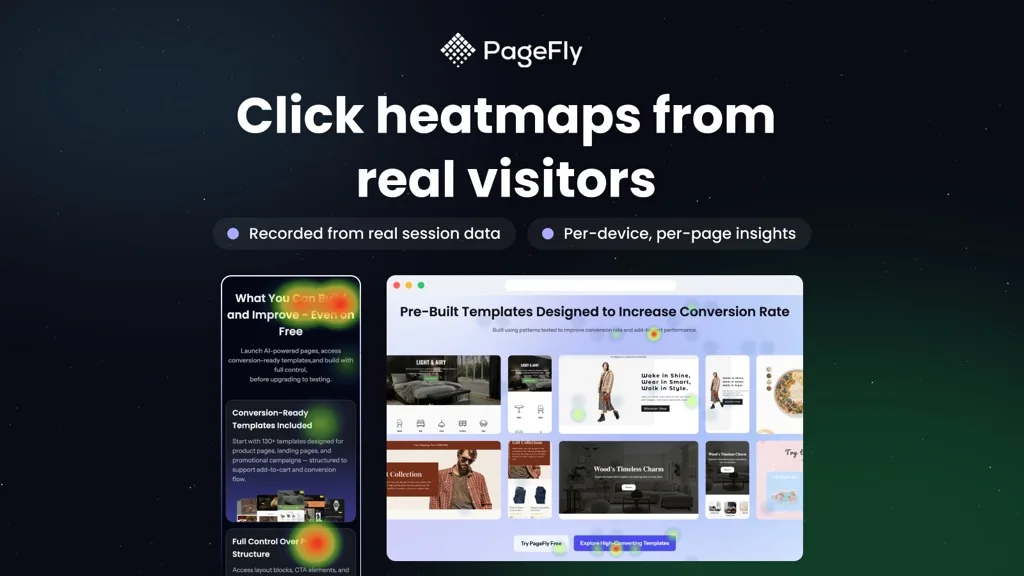
4.9 out of 5 · 5,666 reviews · Free (1 published slot) · Builder $24/mo (5 published slots, then $5 per 5 extra) · Accelerate $99/mo (unlimited) · Enterprise $299/mo. Verified 12 August 2026.
PageFly is the most-reviewed page builder on the App Store by a wide margin, and it earns it. The editor gives genuine pixel-level control, the template library is deep, and the mobile editing controls are the best here — which matters, because that's where most of your traffic converts or doesn't.
Pros: Free plan gives full editing on one page · separate desktop/tablet/mobile controls rather than a single responsive guess · built-in analytics, A/B testing and heatmap preview · 24/7 live chat on every plan including free · custom HTML/CSS/JS when you need to break out.
Cons: The option count is a real learning curve — expect a few hours before you're fluent. The jump from $24 to $99 for unlimited pages is steep if you're mid-sized — though the $5-per-5-slots add-on softens it (50 pages costs $69, not $99). And like any builder that writes into your theme, uninstalling doesn't automatically remove everything it added; budget cleanup time and read the uninstall docs first.
Worth checking: PageFly's own marketing cites a much higher review figure than the 5,666 on its App Store listing. We use the App Store number throughout, because that's the one you can verify yourself.
2. GemPages — Best for Conversion Rate Optimization
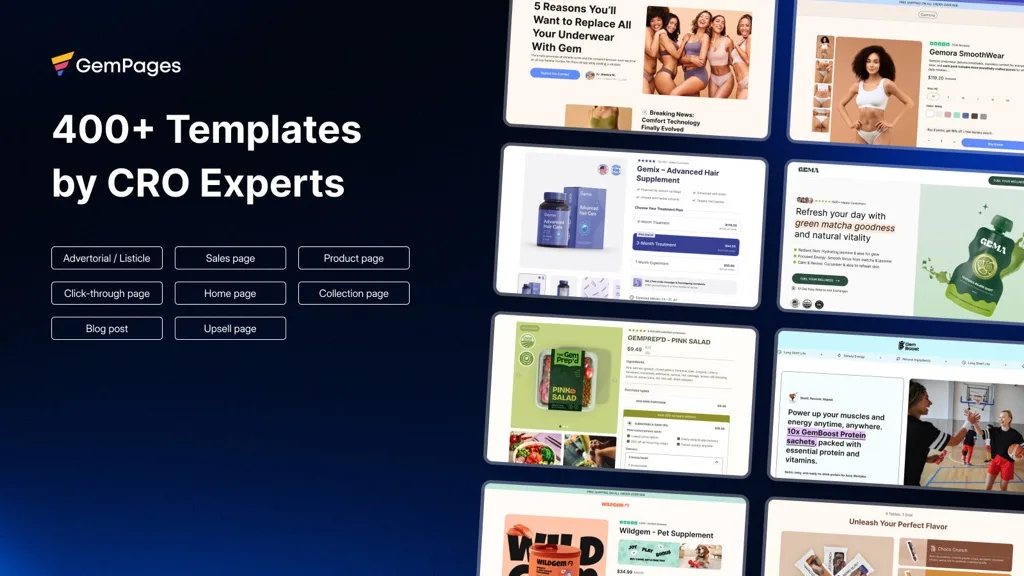
4.9 out of 5 · 3,986 reviews · Free (1 published page) · Build $29/mo (unlimited published pages) · Optimize $59/mo · Enterprise $199/mo. Verified 12 August 2026.
GemPages is built around conversion rather than design for its own sake. Templates are organised by what a page is meant to do, and AI Image-to-Layout — upload a screenshot or mockup, get an editable Shopify page — is the most genuinely useful AI feature in the category.
Optimize at $59 adds sales funnels and post-purchase upsells, where GemPages stops being a page builder and becomes a revenue tool. If you're already thinking about upselling strategies, cost that tier out properly.
Pros: Unlimited published pages from $29 — cheapest genuine "unlimited" here · AI Image-to-Layout · built-in CRO widgets (countdown timers, stock counters, sales badges) · post-purchase offer pages on Optimize and above.
Cons: Heavier than a section-based approach — this builder does real work in the browser. The free plan's single page is tighter than it sounds.
3. EComposer — Best Value for Beginners
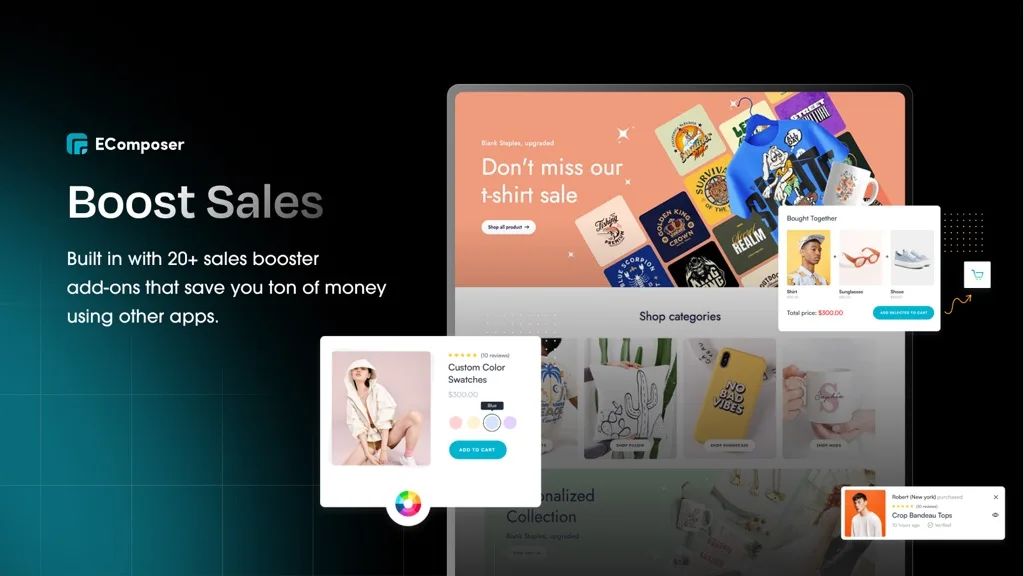
4.9 out of 5 · 3,349 reviews · Free (1 page/section) · Standard $25/mo (15 pages) · Pro $49/mo (50 pages) · Premium $129/mo (unlimited). 7-day trial on paid plans. Verified 12 August 2026 — note this count corrects a higher figure we published on 3 August; details in the methodology section.
EComposer's pitch is bundling. It ships with conversion extensions — countdown timers, size charts, sticky add-to-cart, FAQ blocks — you'd otherwise install as separate apps. For a new store that's fewer apps, fewer scripts, one bill instead of five.
Pros: Bundled extensions replace several standalone apps · builds every page type including 404 · fastest learning curve here · tiered page limits mean you're not pushed onto "unlimited" pricing early.
Cons: Less granular design control than PageFly once you know what you're doing. The 15-page cap on Standard arrives sooner than expected if you build seasonal campaigns.
4. Shogun — Best for Enterprise Teams

4.8 out of 5 · 1,870 reviews · Draft mode free (no publishing) · Build $39/mo (25 published pages) · Grow $199/mo (unlimited) · Advanced $499/mo. Verified 12 August 2026.
Shogun was the original Shopify page builder and still has the deepest enterprise feature set: real team permissions, content scheduling, and multi-store publishing that's best-in-class if you run regional storefronts.
Pros: Roles and permissions built for actual teams · multi-store sync across regions · content scheduling and version history · the most mature product here, with years of edge cases already handled.
Cons: The steepest scaling curve on this list — $199 to $499 is out of reach for most independent stores. The free tier is draft-only, so you can't publish without paying. Support is business-hours on lower tiers.
5. LayoutHub — Template-First and Fast
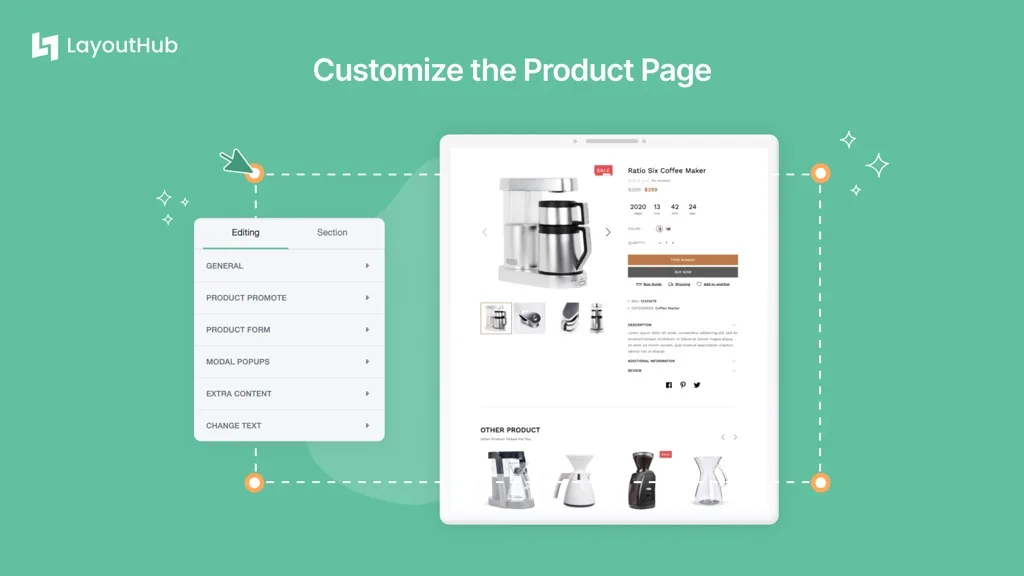
5.0 out of 5 · 1,334 reviews · Free · Basic $14.99/mo · Pro $29.99/mo · Premium $59.99/mo.
A perfect 5.0 across 1,334 reviews is rare at that volume. The approach is template-first: pick a pre-built layout, swap your content, publish. Less freedom than PageFly, far less time.
Pros: Sustained 5.0 rating across a large review base · template-first workflow gets a page live in minutes · sensible pricing ladder.
Cons: Template-first means template-bound. If your brand needs a distinctive look, you'll hit the ceiling.
6. Omnise (formerly Beae) — Lightweight AI Building
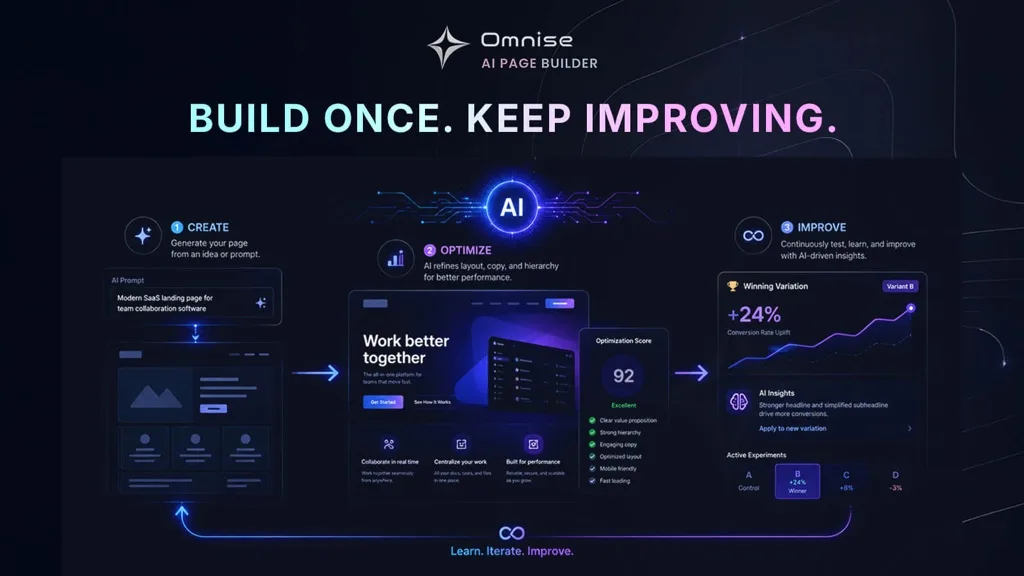
4.9 out of 5 · 858 reviews · Free · Start $19.99/mo · Pro $39.99/mo · Max $79.99/mo.
If you've read about "Beae" elsewhere, this is it — now listed as Omnise ✧ AI Page Builder. It kept what made Beae worth recommending: a light, quick editor that doesn't overwhelm, now with AI page generation.
Pros: Genuinely easy editor · reasonable pricing ladder · solid free tier · good support.
Cons: Smaller review base and template library than the top three. The rename means older tutorials point at the wrong name.
7. AfterShip Page Builder
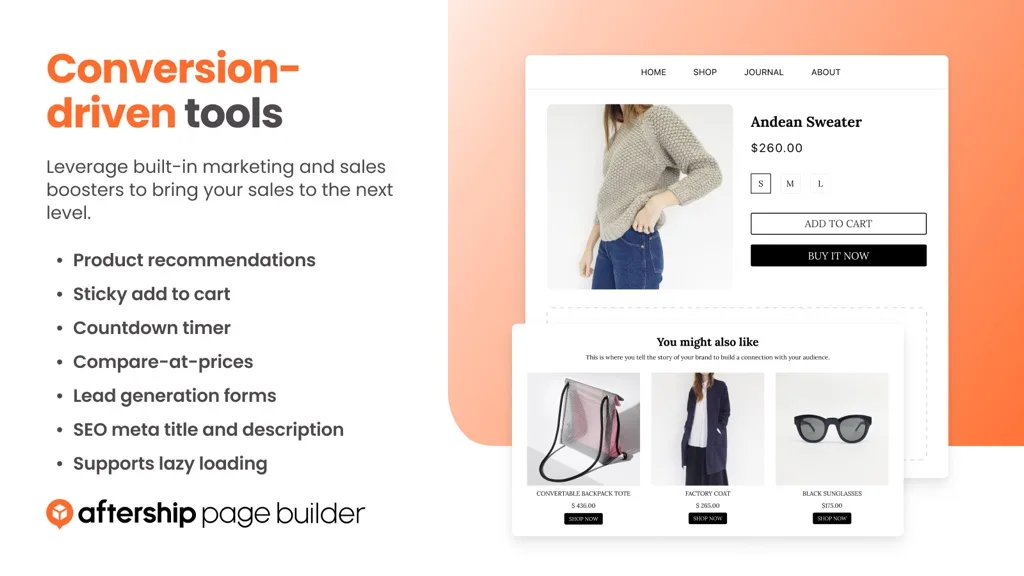
4.8 out of 5 · 533 reviews · Free plan available · paid from $35/mo · free trial.
Built by AfterShip, whose tracking and returns apps many stores already run. Template-based pages for product, home, about, blog, FAQ and contact; the case for it is consolidation — one vendor, one bill. Against that: $35 entry is high next to EComposer at $25, and there's little reason to choose it if you don't already run the AfterShip stack.
8. Zipify Pages — Best for Direct-Response Sales Pages

4.6 out of 5 · 401 reviews · Starter $19/mo · Basic $39/mo · Advanced $99/mo. No free plan.
Zipify comes from a team that sells physical products at volume, and the templates show it — direct-response layouts built around a single offer, not general-purpose designs. For launches and long-form sales pages, that specificity beats a bigger template count.
Pros: Direct-response templates following proven structures · built-in split testing · conversion reporting designed for offer pages.
Cons: Lowest rating here at 4.6 · no free plan · the aesthetic is unapologetically direct-response, wrong for a premium or minimal brand.
9. Instant AI Page Builder — Best for Design-Led Teams
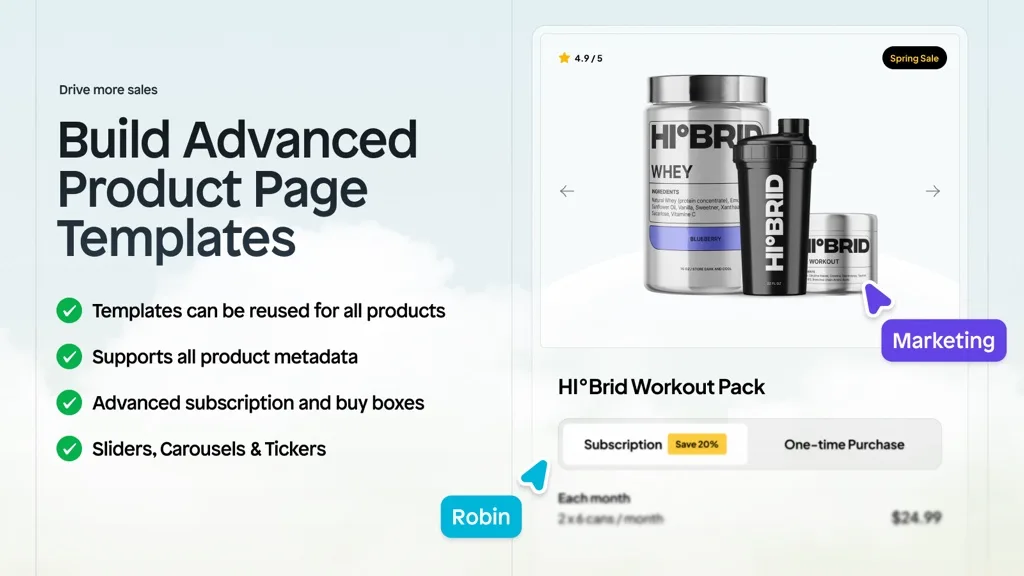
4.9 out of 5 · 308 reviews · Free for development stores · Starter $39/mo · Pro $99/mo · Business $249/mo.
Instant works like a design tool rather than a form-based editor — free-movement canvas, 800+ CRO templates, a workflow that suits people who think in layouts rather than settings. Agencies like it for exactly that.
Pros: Free-form canvas · large template library · AI first-draft generation · strong agency workflow.
Cons: No free plan for live stores, only development stores — you can't evaluate it on a real storefront without paying. The canvas approach has a steeper learning curve than form-based editors.
10. Foxify AI Landing Page Builder — Best Niche Templates
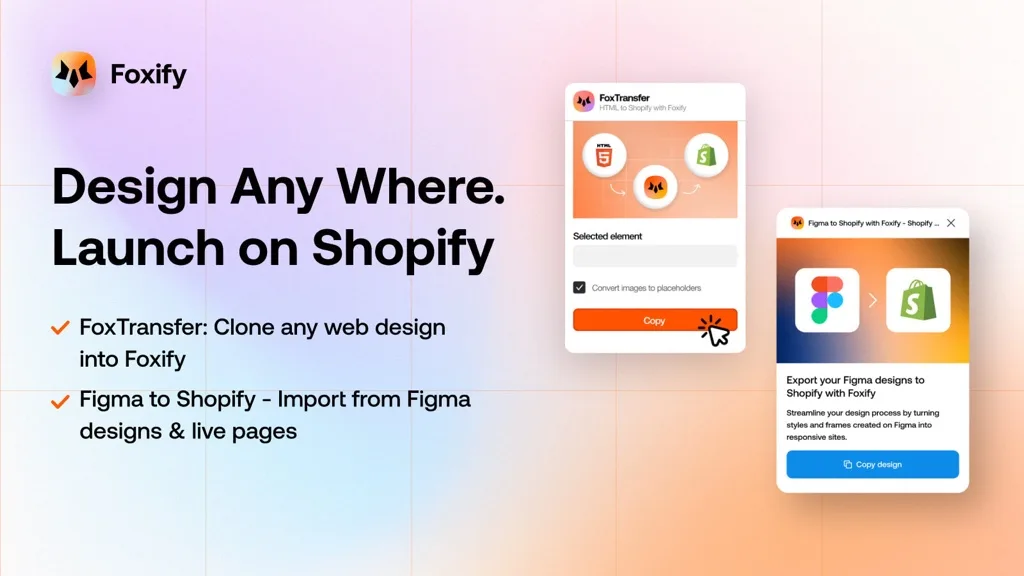
4.9 out of 5 · 290 reviews · Free · Starter $19/mo · Growth $39/mo · Enterprise $99/mo.
Foxify's differentiator is 200+ layouts tailored to particular verticals rather than generic templates you reshape. If your niche is covered, you start much closer to finished.
Pros: Niche-specific templates · clean modern output · 24/7 live chat on all plans · sensible pricing ladder.
Cons: Smaller review base. Strong if your niche is covered, less compelling if not. Note the rename — it's "Foxify AI Landing Page Builder" now, at a different URL than older articles link to.
11. Replo — Best for $1M+ DTC Brands
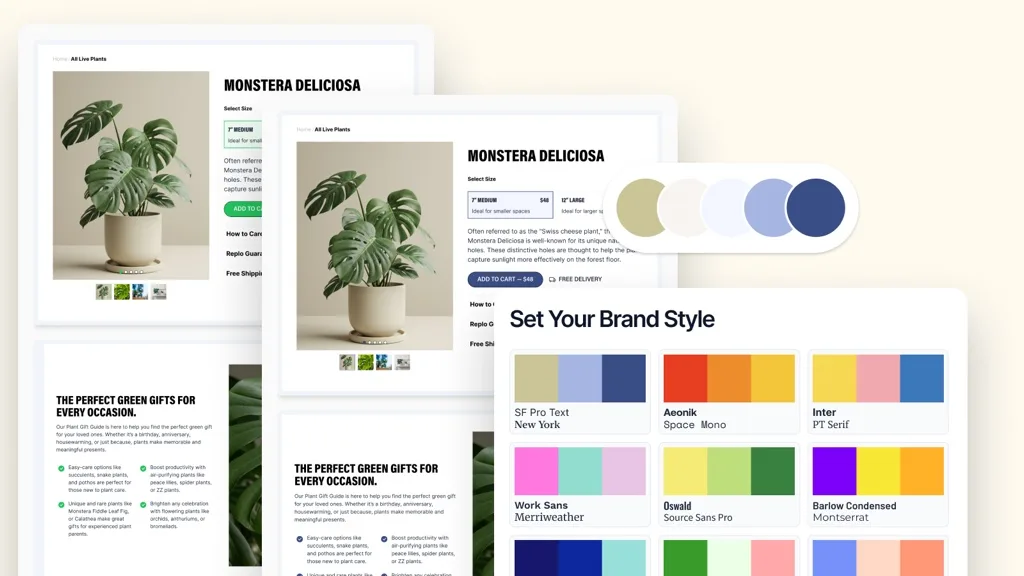
4.7 out of 5 · 171 reviews · Free (no time limit) · Starter $119/mo · Pro $599/mo.
Replo is explicit about building on Online Store 2.0 sections with native Shopify functionality and analytics — architecturally the closest of the full builders to the native approach. It also runs an expert network, so you can have pages built for you.
Pros: Built on OS 2.0 sections · reusable components across pages · native analytics · expert network available.
Cons: The pricing. $119 to start and $599 for Pro puts this out of reach unless page-building is a funded marketing function. The free tier has no time limit, so at least you can evaluate properly first.
12. Pagetify — Cheapest Paid Builder
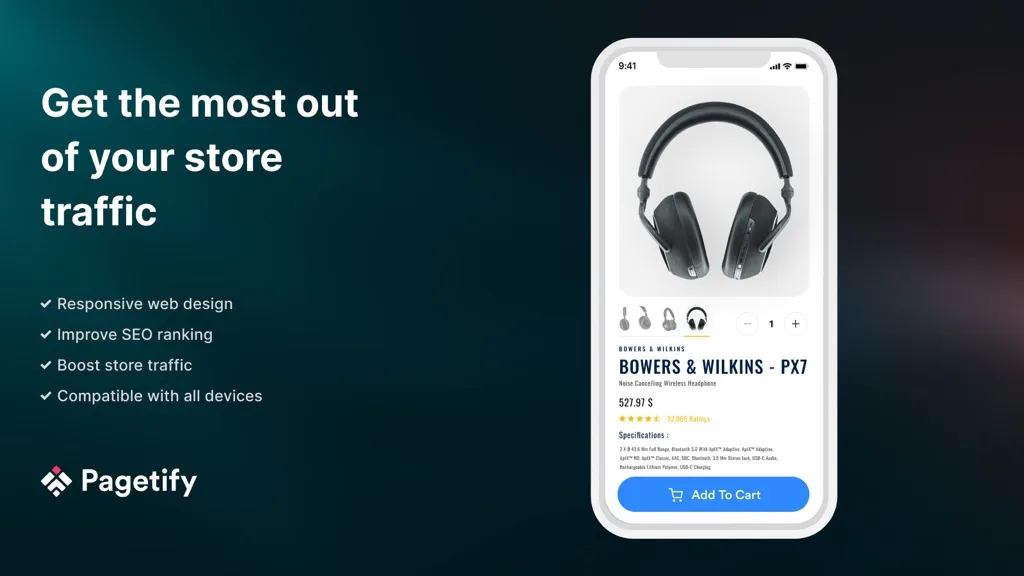
5.0 out of 5 · 69 reviews · Free to install · paid from $9/mo · $19/mo · $59/mo.
The cheapest paid entry point of any builder here: $9/month for drag-and-drop with 99+ sections and blocks, with speed and SEO as stated design goals. The honest caveat is the 69-review base — you're taking more of a bet than with PageFly's 5,666, and the template library is smaller.
13. Hypervisual — Speed-Focused Builder
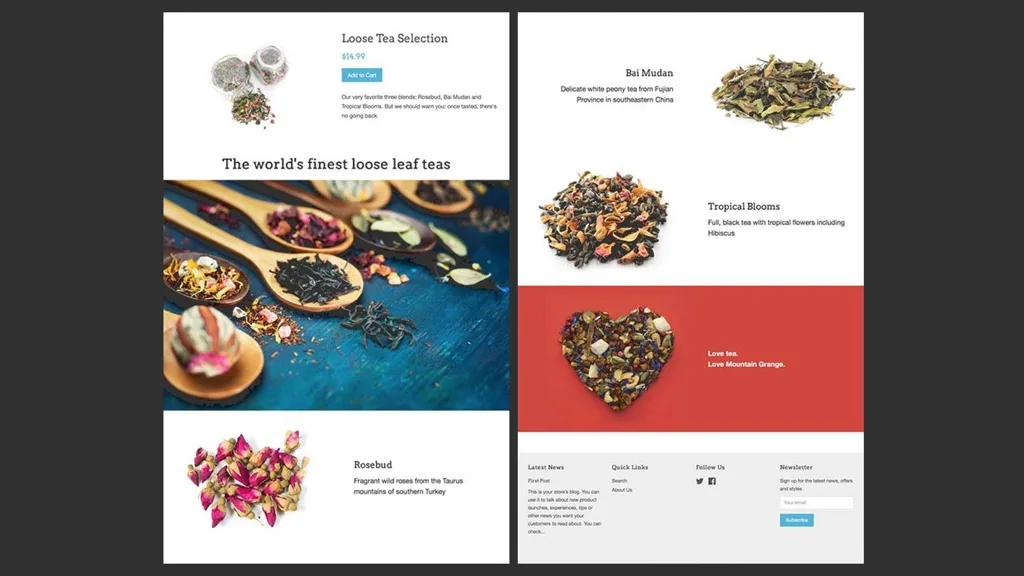
5.0 out of 5 · 45 reviews · From $9.95/mo · $24/mo · $49/mo. Free trial, no free plan.
Hypervisual positions itself explicitly on speed, with automatic per-device image optimisation across every page type. At 45 reviews it's the smallest base among the builders here, there's no free plan, and the editor looks dated next to PageFly or Instant — but if speed-first at a low price is the brief, it belongs on the shortlist.
Part 2 — The Section Libraries
These aren't page builders. They're libraries of pre-built theme sections you install into your existing OS 2.0 theme and edit in Shopify's own theme editor. No separate editor, no builder runtime on your storefront, and most are one-time priced rather than subscription.
This is the fastest-growing part of the category, and the reason is in the numbers below.
14. Section Store — Best Lightweight Alternative Overall
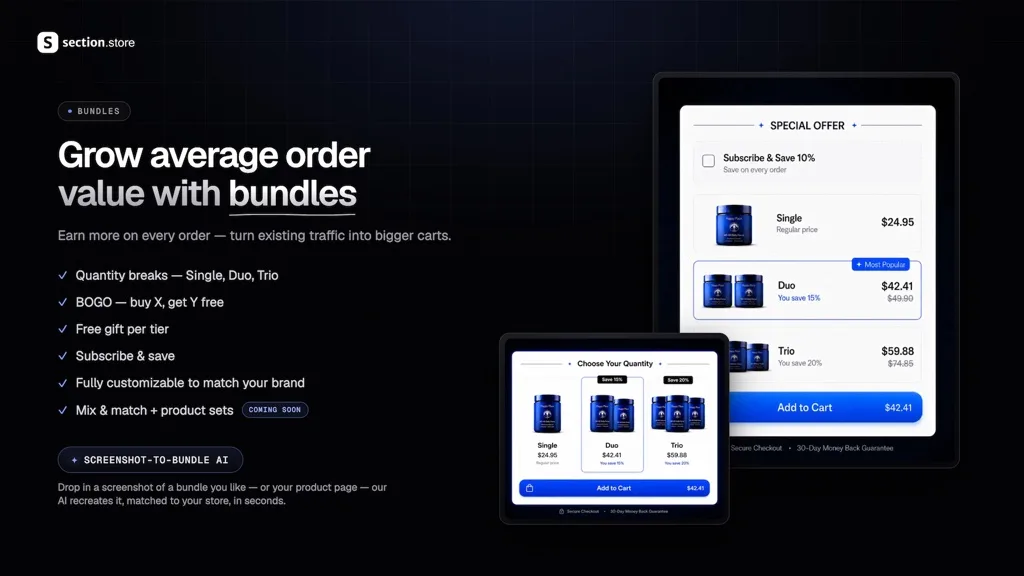
4.9 out of 5 · 2,731 reviews · Free to install with one-time section purchases · Section Store Plus $15/mo with 14-day trial.
The most-reviewed app in Shopify's entire page builder category — and it isn't a page builder. 700+ sections you drop into your theme and edit natively. Buy a section once, own it; no recurring fee scaling with page count.
Pros: 700+ sections, edited in the native theme editor · one-time pricing · no third-party editor to learn or maintain · also ships bundles, cart drawer and upsell blocks.
Cons: You're assembling from pre-built sections, not designing freely. If a campaign needs a layout nobody has built, you still want a page builder.
15. G: Theme Sections & Blocks — Free
4.8 out of 5 · 270 reviews · Free.
A genuinely free section library with product page conversion blocks alongside standard sections. If you want to test whether the section approach suits you before spending anything, start here.
Pros: Free · conversion blocks for product pages, not just layout sections · no code required.
Cons: Smaller library than Section Store. Free apps carry roadmap risk — a paid product has a clearer reason to keep shipping.
16. OT Section — 200+ Premium Sections
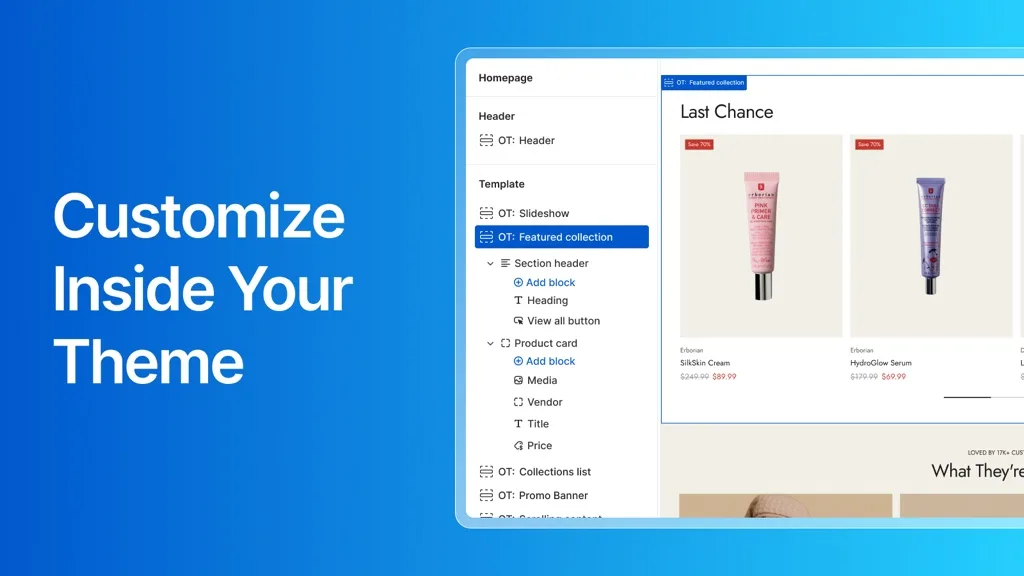
5.0 out of 5 · 269 reviews · Free to install, additional charges may apply.
200+ sections, page templates and blocks, with a stated pitch of replacing bulky apps with lightweight theme sections. A perfect 5.0 across 269 reviews.
Pros: 5.0 rating on a meaningful base · full page templates as well as individual sections · one-click setup inside the theme editor.
Cons: "Additional charges may apply" means total cost depends on what you buy — model it before committing.
17. Section Star — Sections Plus Bundles
4.9 out of 5 · 166 reviews · Free.
Sections, blocks and product bundles in one free app — tabs, slideshows, countdown timers, sticky add-to-cart, banners. Doing two jobs means neither is as deep as a specialist: the bundle features overlap with dedicated bundle apps, and the section library is smaller than Section Store's or OT Section's. As a free way to get both, though, it's hard to argue with.
18. Design Packs — Metafield-Driven Sections
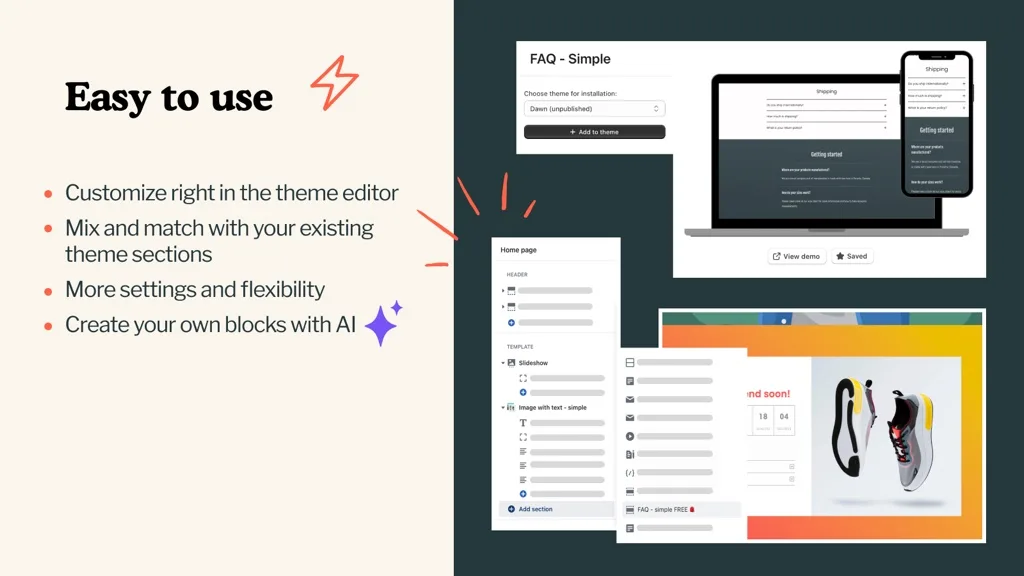
5.0 out of 5 · 85 reviews · Free plan available · paid $24.99/mo · $89.99/mo · free trial.
The most technically capable library here: sections that connect to metafields and metaobjects, so content stays dynamic rather than hard-coded per section — a real advantage for large catalogues with structured custom data, and the reason it's our pick for that use case in the FAQ below. Two caveats: it's a subscription rather than one-time (undercutting the usual cost argument for libraries), and the metafield features need someone comfortable with structured data.
19. Oxify Section — Premium Sections Without a Subscription
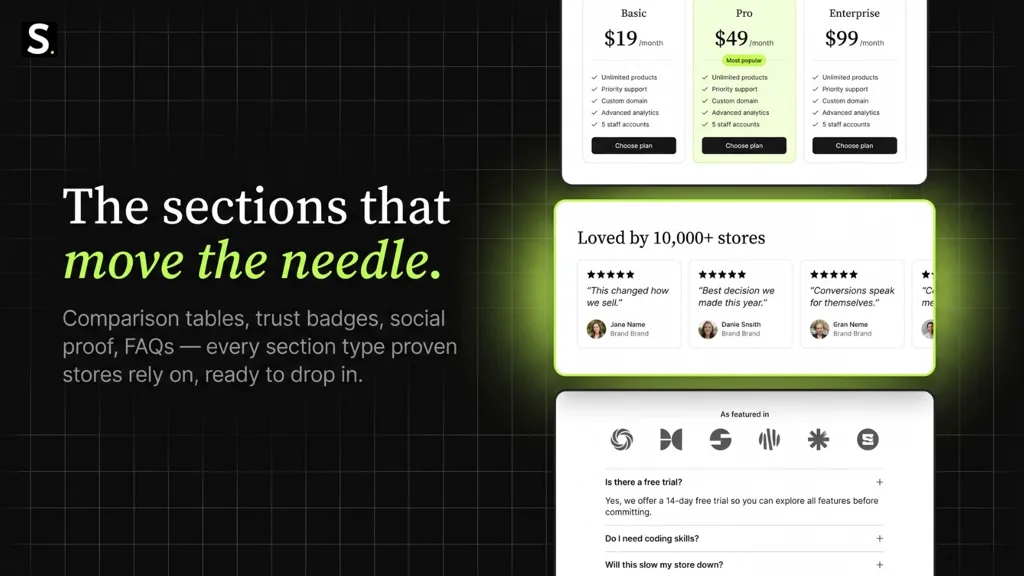
5.0 out of 5 · 7 reviews · Free to install · free sections included · premium sections are a one-time charge.
100+ premium theme sections and blocks for any OS 2.0 theme including Dawn and Horizon. Same model as Section Store: drop sections into your theme, edit in the native theme editor, no separate builder and no builder runtime on your storefront. Sections are built to be lightweight and pass Google PageSpeed.
Pros: One-time pricing per premium section rather than a subscription · native theme editor editing · conversion-focused product and landing page sections · free sections to test with before you buy.
Cons — honestly: 7 reviews. Section Store has 2,731 and 700+ sections against our 100+. If you want the most proven option in this category today, that's Section Store, and we'd rather you knew that here than found out later. Oxify Section makes sense if the one-time pricing and a tighter, conversion-focused set fit how you work.
Install Oxify Section — free to start
The Free-Plan Truth: Publishable, Draft-Only, or Dev-Store-Only?
"Free plan available" hides three very different realities: some builders let you publish a real page free, some only let you draft, and one is free only on development stores. No other guide makes this distinction, and it's the difference between evaluating a builder properly and paying to find out. Verified 12 August 2026:
| Free-plan reality | Which apps | What you can actually do without paying |
|---|---|---|
| Publishes on a live store | PageFly (1 slot), GemPages (1 page), EComposer (1 page/section), LayoutHub, Omnise, Foxify, AfterShip | Build and publish a real page your customers see — a genuine trial |
| Draft-only | Shogun | Design pages but never publish them — you pay $39/mo before anything goes live |
| Development stores only | Instant | Free on dev stores; a live store needs the $39/mo Starter |
| Fully free | G: Theme Sections & Blocks, Section Star | Everything — both are free section libraries |
| Free install, pay per section | Section Store, OT Section, Oxify Section | Install free, use free sections, buy premium sections one-time |
| Trial only, no free plan | Zipify Pages, Hypervisual | Time-boxed trial, then paid |
What Do Page Builders Really Cost at 1, 10 and 50 Pages?
Page count is where builder pricing actually diverges: GemPages is a flat $29/month whether you publish 2 pages or 200, while PageFly, EComposer and Shogun all charge by tiers that bite as campaigns accumulate. Monthly cost by published page count, computed from each listing's pricing section (verified 12 August 2026):
| Builder | 1 page | 10 pages | 50 pages | Unlimited |
|---|---|---|---|---|
| PageFly | $0 (free slot) | $29 ($24 Builder + one $5 slot pack) | $69 ($24 + nine $5 packs) | $99 (Accelerate) |
| GemPages | $0 (free page) | $29 (Build) | $29 (Build) | $29 (Build) |
| EComposer | $0 (free page) | $25 (Standard, 15 pages) | $49 (Pro, 50 pages) | $129 (Premium) |
| Shogun | $39 (Build — free tier can't publish) | $39 (Build, 25 pages) | $199 (Grow) | $199 (Grow) |
Three things fall out of the math. One: a single well-made landing page costs nothing on three of the four leaders — build it before you pay anyone. Two: past roughly 10 pages, GemPages' flat $29 undercuts everything. Three: at 50 pages, Shogun costs nearly seven times GemPages — you're paying for team workflow, not page volume, so only pay it if you need the workflow. Section libraries sidestep this table entirely: one-time section purchases don't scale with page count at all.
How to Choose — By Situation
| If you are… | Start with |
|---|---|
| A new store on a budget | EComposer free, Pagetify at $9, or LayoutHub at $14.99 |
| Running paid traffic to landing pages | GemPages or PageFly |
| Worried about site speed above all | Section Store, or native sections only |
| On Shopify Plus with multiple markets | Shogun |
| A DTC brand past $1M with a design team | Replo or Instant |
| Selling with long-form offer pages | Zipify Pages |
| Managing a large catalogue with metafields | Design Packs |
| Testing sections with zero budget | G: Theme Sections or Section Star |
| Avoiding another monthly subscription | Section Store, OT Section or Oxify Section |
| Only changing your homepage | Nothing — use your theme editor |
Frequently Asked Questions
What is the best Shopify page builder in 2026?
Which page builder is best for a large product catalog?
What happens to my pages if I uninstall a Shopify page builder?
Do I need a page builder if I have an Online Store 2.0 theme?
What is the best free Shopify page builder?
What's the difference between a page builder and a section library?
Is there a Shopify page builder like Elementor?
Which page builder is best for Shopify Plus?
How much do Shopify page builder apps cost?
Are Shopify page builders bad for SEO?
How We Verified This
Every rating, review count, pricing tier and badge above was read directly from the live Shopify App Store listing on 3 August 2026, including the structured data each listing publishes. On 12 August 2026 we re-verified the six most-shortlisted apps — PageFly (5,666), GemPages (3,986), EComposer (3,349), Shogun (1,870), Section Store (2,731) and Omnise (858) — and re-read the pricing sections for the four builders in the cost table, including per-tier page limits. Where an app had been renamed or delisted, we followed it to its current listing or confirmed its absence on the developer's App Store page.
We also correct ourselves in public. An earlier draft stated Instant AI Page Builder lacked the Built for Shopify badge; re-checking the listing markup showed it does. And on 3 August we published EComposer at 3,356 reviews — the live listing showed 3,349 on 12 August. Review counts rarely fall, so our earlier figure was almost certainly a transcription error, now corrected. If verification can catch our own mistakes, it catches other guides' too; that's the point of doing it.
We build Shopify apps, so we're not neutral — Oxify Section is ours. We placed it where its review count puts it, and named the app we think is stronger in that category today.
App Store figures move. If a number here doesn't match what you see, the listing is right and we're out of date — tell us and we'll fix it.
Where to Go From Here
Once your pages are built, the pages stop being the constraint. What you put on them starts to matter more:
- Product page upsells — the highest-leverage thing to add to a page you've just rebuilt
- Cart drawer apps — the step immediately after your landing page
- Shopify SEO apps — so the pages you build actually get found
- The best Shopify apps overall — if you're still assembling your stack
- Upselling strategies to raise AOV — what to do with the traffic once it converts
- Bundle apps — if the sections you want are really bundle mechanics
The five-minute version
1. Open your theme editor first. See how far native OS 2.0 sections get you — for a lot of stores, that's the whole job.
2. If you need layouts your theme lacks, try a section library before a subscription builder. G: Theme Sections and Section Star are free to test the approach.
3. If you're running paid traffic and need pixel control or A/B testing, install PageFly or GemPages on the free plan and build one page.
4. Before you build page five, read the uninstall documentation. Know what happens if you leave.
5. Run PageSpeed Insights before and after. If mobile LCP moved the wrong way, you've learned something worth knowing early.
One Last Thought
The page builder category grew up solving a problem Shopify has largely since fixed. That doesn't make builders useless — it makes them specialised. They're campaign tools now, not store-building tools.
The merchants getting the most out of 2026 aren't the ones with the most powerful builder. They're the ones who worked out which pages actually needed one.